When someone searches “plumber near me”, will they find your business or call a competitor? A clear Google Business Profile, genuine reviews and useful local pages help nearby customers find you and decide whether to call.
Some customers need an emergency repair. Others want quotes for roofing, gardening or building work. Whatever the job, they need to know whether you offer the service, cover their area and can help.
Improving your visibility starts with making those answers easy to find. Here is how to strengthen your presence in local searches and turn more visits into enquiries.
How Google Handles Near Me Searches
Google uses available location information to show businesses relevant to the searcher. It considers three main factors:
- Relevance: How well your business matches the service someone needs.
- Distance: How far your business is from the searcher.
- Prominence: How well known your business is, including signals such as links and reviews.
These factors work together. The closest business does not automatically rank first, and having more reviews than a competitor does not guarantee the top position.
Someone searching for an electrician in Boscombe may see different results from someone in Broadstone. Distance helps explain why your position can change across your service area.
To improve your visibility in the Google Map Pack, focus on accurate business details, clear service descriptions and evidence of your work. You do not need to repeat “near me” throughout your website.
Make Your Business Profile Clear and Accurate
Your Google Business Profile should help customers understand your business without making them search for basic information. Check these details first:
- Business category: Choose the category that best describes your main business.
- Services: List the work you actually provide.
- Phone number: Use a current number customers can reach.
- Website: Link to a relevant page for your business.
- Opening hours: Show when customers can genuinely contact you.
Keep your hours accurate during bank holidays, Christmas and planned closures. Only list 24-hour availability if you provide it, and explain any emergency callout arrangements on your website.
Keep your Google Business Profile active by updating information when it changes and adding useful examples of your work. A profile with an old number or misleading hours can lose enquiries even when it appears prominently.
Set Service Areas That Reflect Where You Work
Add the towns, cities or postcode areas you genuinely serve. For a Dorset trade business, that might include Bournemouth, Poole, Christchurch and Wimborne.
Treat your service areas as information for customers. Adding a town does not guarantee that your business will rank there, so avoid listing places you rarely visit simply to widen your reach.
If you visit customers but never receive them at your premises, hide your address and show your service areas instead. Your website should also explain your coverage and any limits on travel or callouts.
Check visibility in several parts of your service area. One search from your home or office will not show how every potential customer sees your business.
Build a Simple Review Routine
Reviews help customers judge the quality of your work and decide whether to contact you. Ask for honest feedback after completed jobs, using a direct review link or QR code to make the process easy.
A review describing a repair, installation or customer experience can be especially useful to someone looking for similar work. Let customers use their own words rather than asking them to include keywords or town names.
Reply professionally where you can add something helpful. Thank customers for specific feedback and address concerns clearly. Do not offer discounts, gifts or other incentives in exchange for reviews.
Make review requests part of your normal follow-up process. A routine you can maintain is easier to manage than trying to collect lots of reviews at once.
Show Real Examples of Your Work
Photos help customers see what you do before they make contact. A clear image of a completed installation or repair often provides more useful information than a generic stock photo.
Useful examples include:
- Completed repairs and installations.
- Before-and-after photos.
- Your team and work vehicles.
- Details showing the quality of your finish.
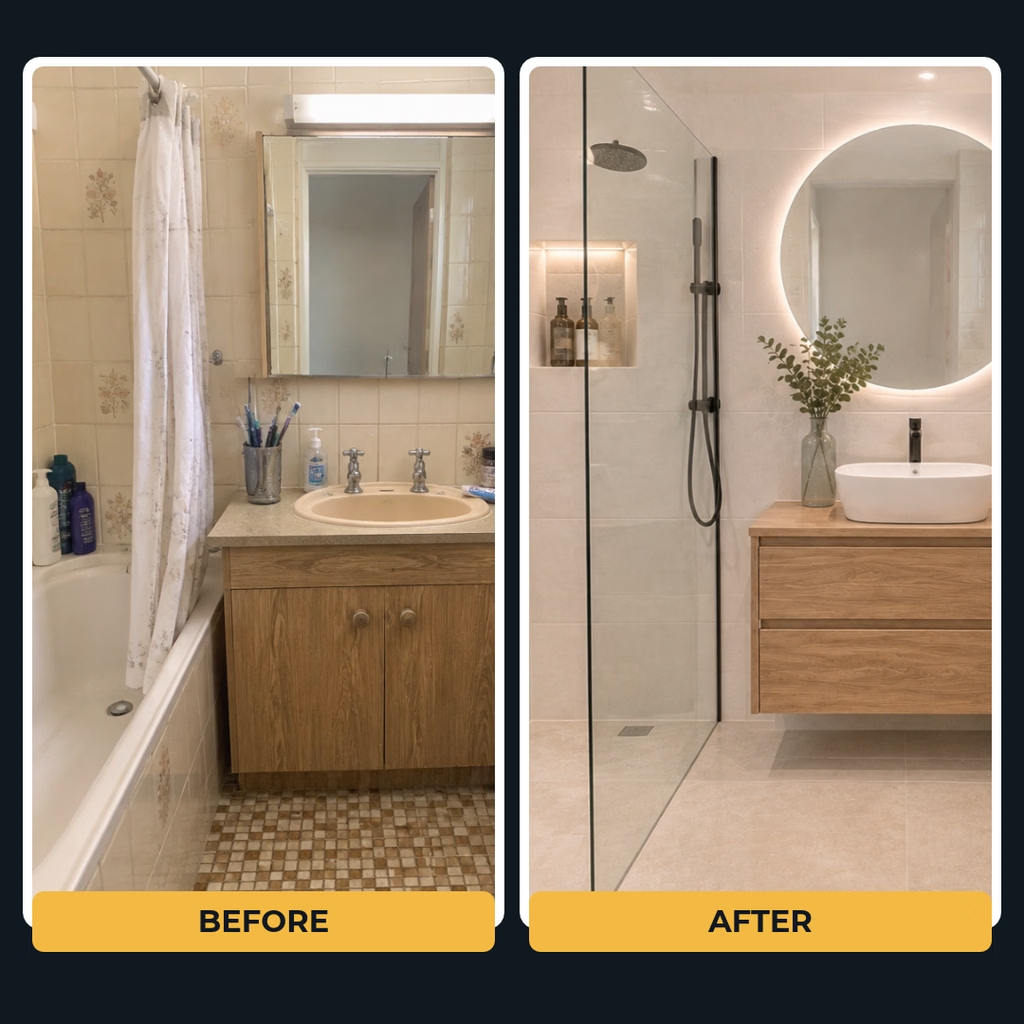
Choose images that explain your work clearly. Where helpful, add a short description of the job and the service provided.
Ask permission before sharing photos taken at a customer’s property. Keep house numbers, paperwork and other private details out of view, and choose an upload schedule you can realistically maintain.
Make It Easy to Contact You
Open your website on a phone and try to contact your business. Can you find the number, make a call or request a quote without working through several pages?
Put a clear tap-to-call button near the top of the page. Keep enquiry forms short and tell customers what happens next, including the information you need to assess their job.
Some verified profiles also let you add WhatsApp to your Google Business Profile through the Chat setting. Availability varies, so check the options shown on your profile.
Only offer contact methods you can monitor. An unanswered message can lose the enquiry just as easily as a missed call.
Create Local Pages That Help Customers
Optimise your website for local search by explaining your services and coverage clearly. Create separate location pages when you have enough useful information to make each one worthwhile.
For example, a Christchurch locksmith page could include:
- Services available in Christchurch.
- Examples of jobs completed there.
- Relevant customer feedback.
- Availability and booking details.
- Clear contact options.
Avoid copying one page and changing only the town name. Each page should help someone understand your service and make a decision.
Keep your details accurate across your website and directory listings too. NAP consistency means maintaining your business name, address and phone details wherever you publish them. Correct old numbers and outdated information that could confuse customers.
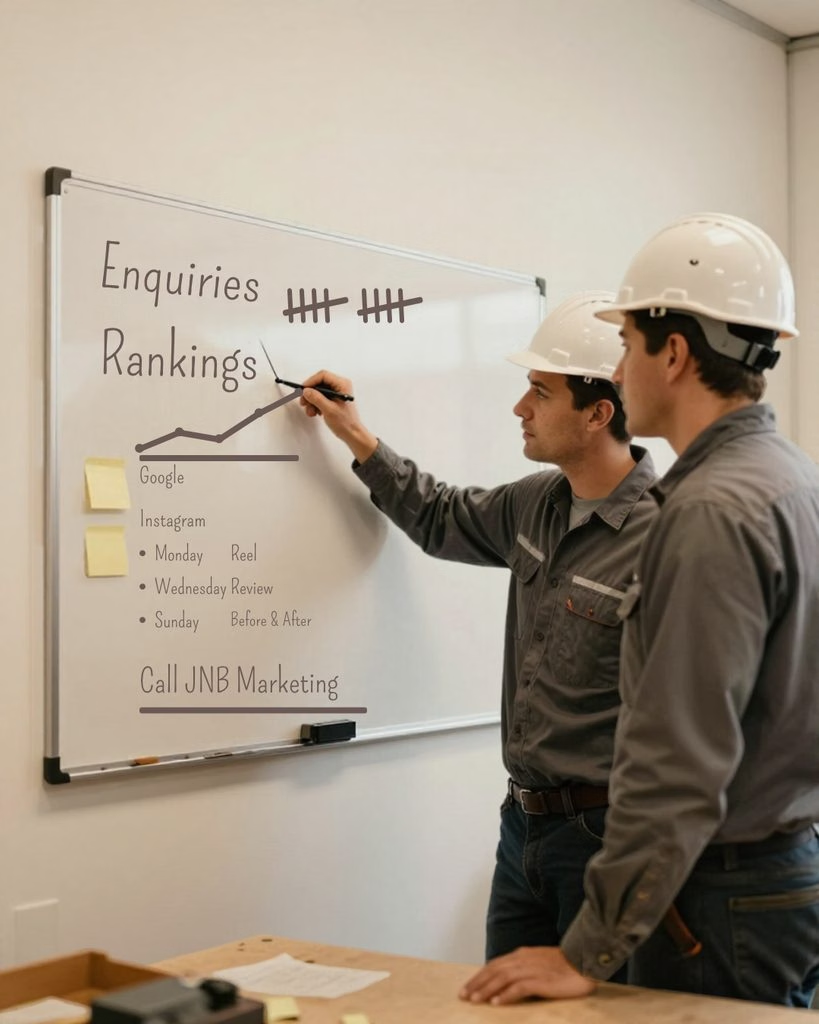
Measure Enquiries as Well as Rankings
Rankings help you understand visibility, but enquiries show whether customers take the next step. Ask new customers how they found you and record the service and location they requested.
Check your Google Business Profile performance alongside website enquiries and booked jobs. Look for which towns generate calls, which services attract interest and which enquiries become paid work.
Use those patterns to decide what to improve next. You might need clearer service information, a stronger location page or an easier way to request a quote.
Need Help Improving Your Local Visibility?
JNB Marketing helps trades across Bournemouth, Poole and Dorset improve their profiles, local pages and review processes.
Explore our local SEO service or marketing support packages, or get in touch to discuss the areas and services you want to grow.
Near Me Search FAQ
Should I put “near me” in my business name?
Use your genuine business name. Adding search phrases that are not part of your real-world name can breach Google’s guidelines. Describe services and coverage in the appropriate profile fields and website pages instead.
Will adding more service areas help me rank everywhere?
No. Service areas explain where you work, but Google still considers relevance, distance and prominence. List places you genuinely serve.
Do I need a page for every town?
Only create a separate page when you can provide useful, distinct information. If it adds nothing beyond your main service page, consider whether you need it.
How quickly will I see results?
There is no fixed timeline for every business. Correct inaccurate details first, then improve your content and review routine. Track visibility, enquiries and booked jobs over time to judge progress.