For years the advice for local businesses has been simple. Claim your Google Business Profile, fill it in properly and keep it active. Now there is a second profile to think about.
On 10 November 2026, OpenAI opened something called Business Hub. It lets business owners claim their business inside ChatGPT, correct the details it shows and see how often ChatGPT mentions them. Think of it as a very early ChatGPT version of your Google Business Profile.
It is still in beta and not every business can use it yet. This guide walks through exactly how to claim and set up your business, who can do it right now, and what to do in the meantime if you cannot.
What Is ChatGPT Business Hub?
Business Hub is the area of ChatGPT where businesses manage their profile. You open it from the ChatGPT sidebar, find your business, prove you run it, and from then on you can keep your information accurate.
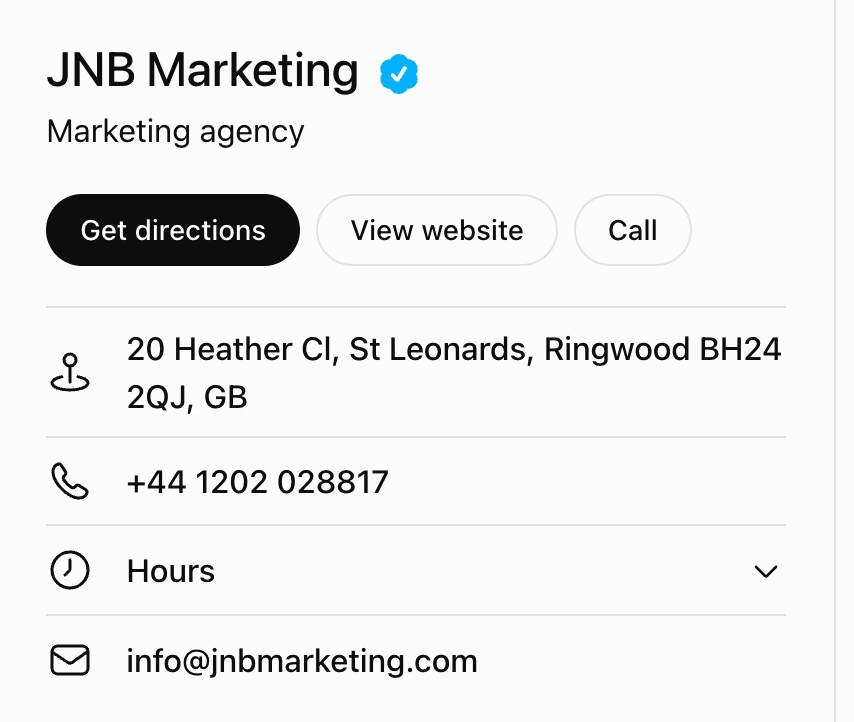
Once you are fully verified, you can update your website, description, category, logo and cover photo. You also get basic insights covering the last 28 days: how often ChatGPT mentioned you, how many people clicked through to your website, and the common topics in those conversations.
Can Your Business Claim Yet? The Honest Bit
Before you set aside an evening for this, a quick reality check.
Business Hub is launching wherever ChatGPT is available, including the UK. But what you can do depends on the type of business you run. Online businesses with a website can claim an existing listing, or add one if ChatGPT has nothing on them. Local stores and restaurants can currently only claim an existing listing in the US.
For most trades and local service businesses in the UK, that means the door is not fully open yet. A plumber in Poole or a builder in Bournemouth may search Business Hub and find nothing to claim. That is normal at this stage, not a sign you have done something wrong. OpenAI says it will widen access to more markets and business types over time, but it has not given any dates.
So why write a guide now? Some businesses can claim today, especially if you sell online. For everyone else, these are the exact steps you will follow when it opens up, so you can get ready now and claim early.
What You Will Need Before You Start
The right ChatGPT account
Sign in with the account that will own the profile for the long term. Use a business login you control, not a personal account belonging to an employee who might leave.
One way to prove the business is yours
That means access to the business phone number or business email on your listing, the settings for your website domain, or your Shopify store if you have one.
ID and business details
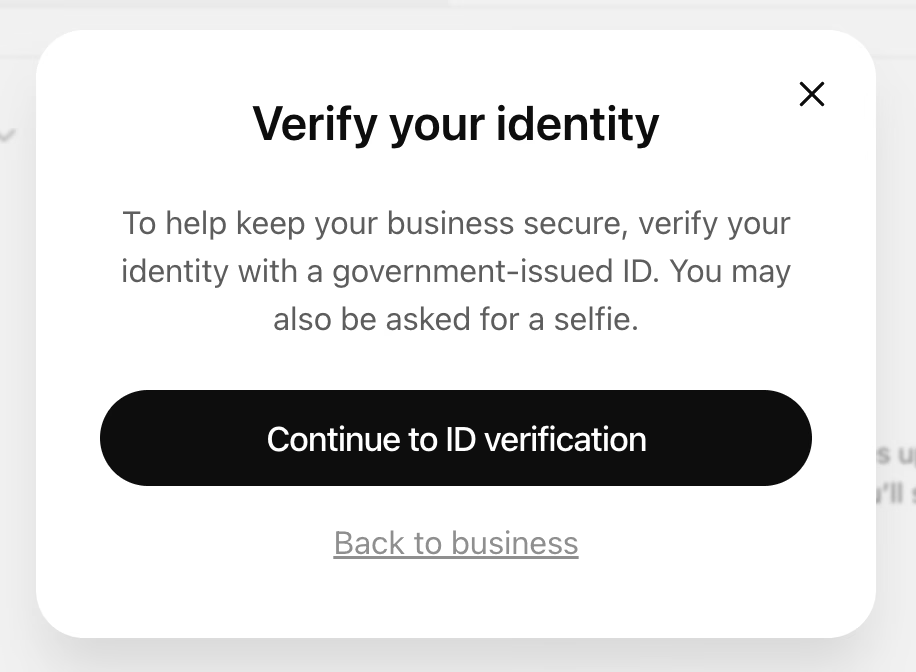
The identity check can ask for government issued photo ID, business registration information and proof you are allowed to represent the business. Your business name, address and any company or tax details need to match your official records exactly.
How to Claim Your Business on ChatGPT, Step by Step
Step 1: Open Business Hub and Find Your Listing
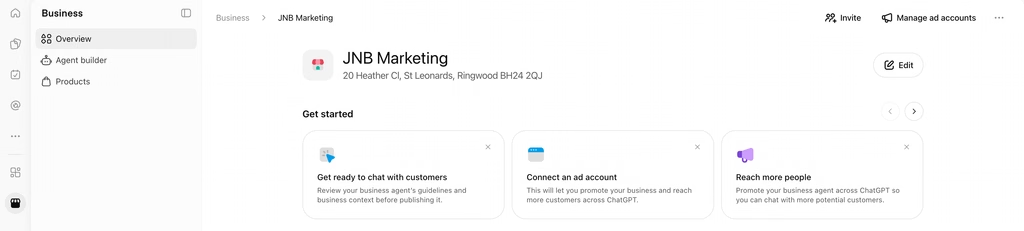
Sign in to ChatGPT and open Business Hub from the sidebar. Search for your business using the name customers know it by. Each result shows the business name above the address, so check the address carefully and select the right one, then confirm which ChatGPT account will manage it.
If you see Contact support instead of a claim option, the listing is locked and you will need to request access from OpenAI. If somebody else has already claimed your business, open the profile, select the three dot menu and choose Dispute ownership.
Step 2: Verify Your Claim
ChatGPT then shows the verification options available for your listing. You will not always see all four.
Business phone
Choose a text or an automated call, select Get code and enter the code you receive. It goes to the number on the listing, so make sure someone can answer it.
Business email
Select Get code and enter the code sent to the business email on file. It goes to that address, not one you choose.
Website domain
ChatGPT gives you a TXT record to add to your domain settings, then you select Verify domain. If a web designer looks after your domain, send it straight to them. Domain changes can take a while to take effect, so give it time before trying again.

Shopify store
Select Connect Shopify and log in to your store.
Step 3: Wait for OpenAI to Review the Claim
OpenAI reviews every claim and emails you its decision, or asks for more information. There is no published timescale, and you can cancel the claim while it is under review.
Step 4: Complete the Identity Check
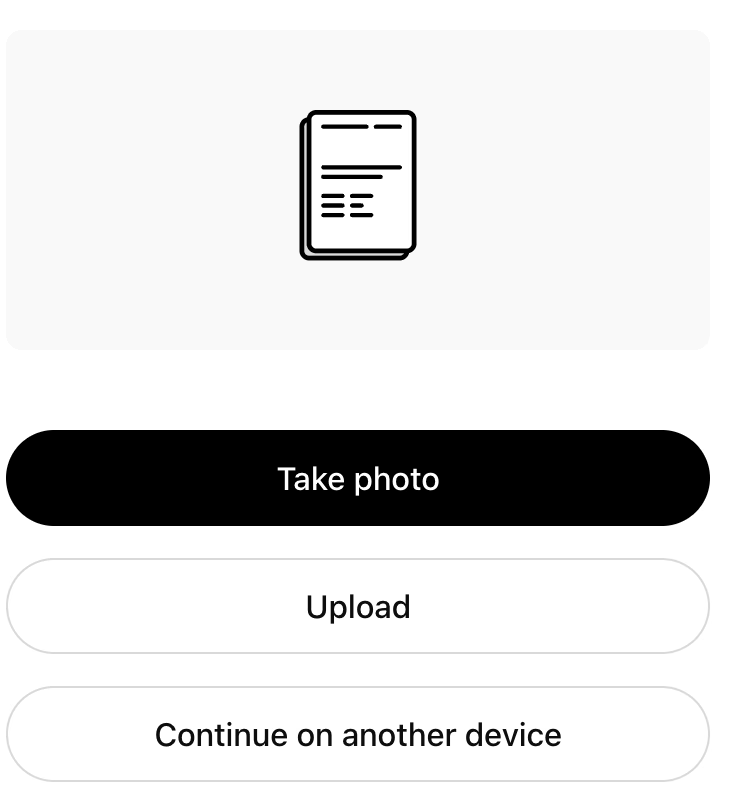
Getting your claim approved is only the first gate. To publish changes, see your insights or get the blue check on your profile, you also need to pass an identity check run by a company called Persona. Select Verify with Persona and follow the steps. If you verified another way first, go to the Business tab, open your profile and select Complete verification with Persona.
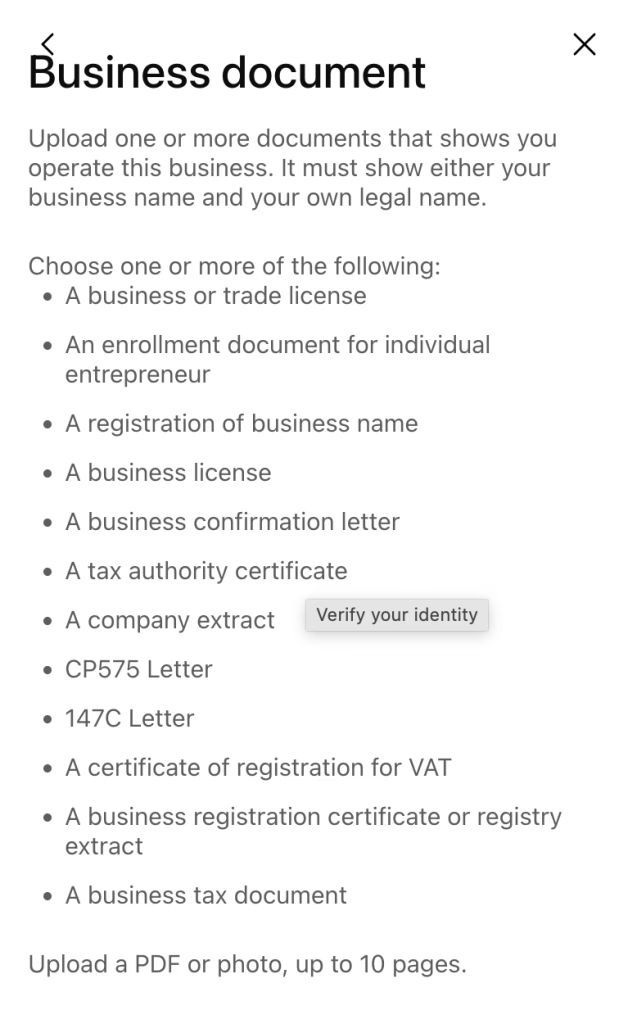
Most problems here come from details that do not quite match. If your company paperwork says one thing and your listing says another, sort that out before you submit.
One warning. If you create a brand new profile through this process, it publishes automatically once approved, and OpenAI support cannot unpublish or hide it afterwards. Check every detail before you hit submit.
Step 5: Set Up Your Profile Properly
Once you are fully verified, open your profile and fill in everything you can: website, business description, category, logo and cover photo. OpenAI reviews changes before they go live, so they will not appear straight away.
Write the description the same way we always recommend for Google. Say what you do, where you do it and what makes you different, in plain English. Then check that your business name, phone number and website match your Google Business Profile and your own website exactly.
What Claiming Will Not Do
Claiming your profile does not guarantee ChatGPT will recommend you. OpenAI is clear that ChatGPT still makes its own independent recommendations, and it can use other sources when it answers questions about your business. You cannot buy a better position through the profile either.
So think of the profile as a way to make sure the facts about you are right. Whether you actually get recommended still comes down to the same things as before: plenty of recent reviews, a complete and active Google Business Profile, a website that clearly says what you do and where, and consistent details everywhere you appear online.
Not sure what ChatGPT currently says about your business? Call us on 01202 028 817 and we will check it for you, free of charge.
Not Eligible Yet? Do These Three Things
Nothing to claim yet? You have not missed the boat. Use the time to get ahead.
Test what ChatGPT already says
Ask it to recommend someone in your trade, in your town. See whether you come up, and see who does. That five minute test tells you where you stand today.
Strengthen the sources it relies on
Get your Google Business Profile complete and active, keep reviews coming in after every job, and make sure your website has proper pages for your services and the towns you cover.
Check back regularly
Have a look in Business Hub every month or so. When local UK businesses can claim, you want to be one of the first in your area, not one of the last.
Want Someone to Keep an Eye on This for You?
New platforms like this move quickly, and it is one more thing to keep track of when you are already busy quoting, working and chasing payments.
At JNB Marketing we keep on top of changes like this so our clients do not have to. We manage Google Business Profiles, websites and local SEO for trades and local businesses across the UK, which are the exact foundations ChatGPT already leans on when it recommends businesses.
If you want to know how your business currently looks to ChatGPT and Google, call us on 01202 028 817, email info@jnbmarketing.com or send us a message through our contact page. We are open Monday to Sunday, 8am to 8pm.
We will take a free, honest look and tell you what is worth doing now and what can wait. If you are already in good shape, we will tell you that too.
ChatGPT Business Profile FAQ
Is it free to claim my business on ChatGPT?
Yes. Claiming and managing a profile in Business Hub is free, and you do not need a paid ChatGPT plan or an advertising account.
Can UK businesses claim a ChatGPT profile?
Business Hub is available in the UK, but local stores and restaurants can currently only claim existing US listings. Online businesses have more options and may be able to claim or add a profile now. OpenAI plans to expand access over time but has not said when local UK businesses will be included.
Will claiming my profile get me recommended more often?
Not on its own. The profile helps ChatGPT show accurate information about you, but it does not buy you a better position. Recommendations still depend on your reviews, your Google Business Profile, your website and how consistent your details are across the web.
How long does it take to claim a business?
The claim itself takes a few minutes. After that, OpenAI reviews the claim and then the identity check, and it does not publish a target timescale for either. Verifying through your website domain can add a little extra time while the change takes effect.