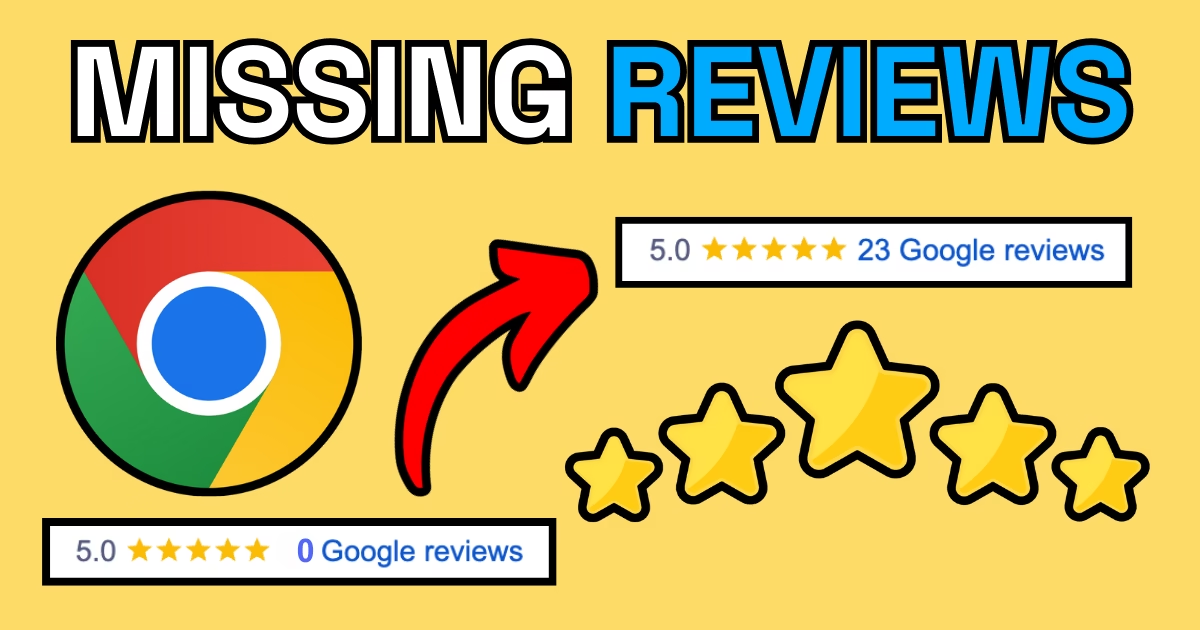
If you’ve noticed some of your Google reviews have disappeared recently, you’re not alone. A recent Google update in the UK and Europe has introduced changes to help combat fake and spam reviews—but it’s also triggered a glitch affecting the way review counts are displayed.
The good news? Your reviews likely aren’t gone for good! Google has acknowledged the issue and is working on a fix. However, if you’re missing legitimate reviews, there’s a process you can follow to request reinstatement. At JNB Marketing, we help local service-based businesses get seen, get reviews, and get more leads—so let’s walk through how to get your lost Google reviews back.
Step-by-Step Guide to Recover Missing Google Reviews
1. Log Into Your Google Business Profile
- Go to Google Business Profile and sign in.
- Click Help & Support in the left-hand menu.
2. Search for Missing Reviews
- In the support search bar, type: “reviews not showing up” or something similar.
- Click on the article titled: “Understand missing & delayed reviews.”
3. Check for Policy Violations
- Read through Google’s guidelines carefully.
- A common issue is businesses setting their service area too large (Google now restricts this to a 2-hour driving radius with a maximum of 20 service areas).
- If you find any errors, update your listing to comply with Google’s policies.
4. Submit a Request for Review Recovery
- Scroll to the bottom of the page and click “Contact Us.”
- Follow the prompts to report missing reviews.
5. Provide Accurate and Detailed Information
- Choose Email Support and complete the form with as much detail as possible.
- List the names of the reviewers whose reviews are missing—this helps Google locate and verify them faster.
- Attach screenshots of reviews you previously received (if available).
6. Follow Up!
- After submitting, Google will send a confirmation email.
- IMPORTANT: Scroll to the bottom of this email—there will be a note saying, “If you need further assistance, reply to this email.” DO THIS!
- This ensures your case is assigned to a support agent.
7. Communicate Clearly & Professionally
- When responding, be polite, clear, and use Google’s own wording to describe the issue.
- Google’s support teams are based worldwide, and responses may be translated—so keeping things concise and professional improves your chances of success.
8. Keep an Eye on Your Inbox
- Google will reply to your request—often within a few days.
- If they call you, ANSWER! It’s rare, but sometimes Google will phone you to clarify the issue.
9. Escalate if Needed
- If some reviews are still missing after Google reinstates a batch, submit another request with names and screenshots.
- Be patient—this process can take several follow-ups, but it’s worth it!
10. Final Tips for Success
✅ Keep all email communications professional and to the point.
✅ Send requests from the primary Google Business Profile account owner.
✅ Do NOT CC multiple people in emails—this confuses Google’s system.
✅ Track your reviews and document new ones as they come in.
How JNB Marketing Can Help
If managing your Google Business Profile, handling missing reviews, or improving local search rankings feels like a hassle, we’re here to help.
Our Marketing Support Package includes:
✅ Google My Business management – ensuring your profile is set up and optimised for local search.
✅ Review generation strategies – getting more genuine reviews from happy customers.
✅ Regular updates & SEO optimisation – improving your business’s visibility online.
✅ Facebook & Instagram management – boosting your presence across social platforms.
🔗 Need help? Message us on WhatsApp with “GMB Support” and we’ll assist you!
📞 Call us or WhatsApp us at 07450 676738
Don’t let lost reviews hold your business back—take action today! 🚀