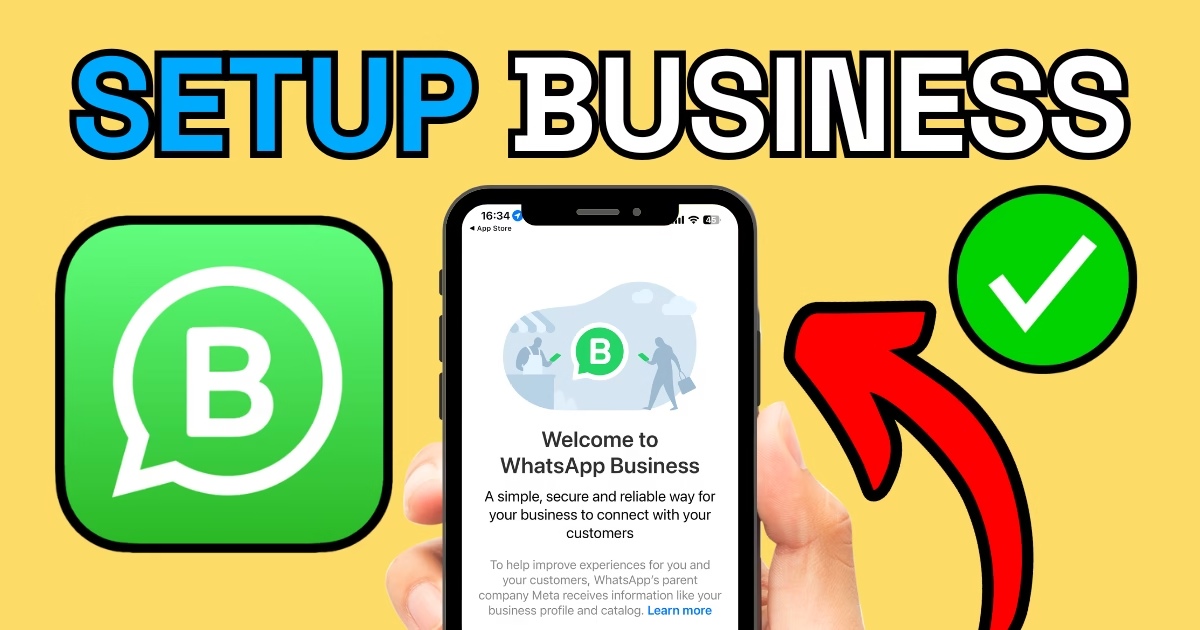
How to Set Up a Business WhatsApp Account

How to Set Up a Business WhatsApp Account

In today’s world, staying connected with customers is essential for any business. WhatsApp Business makes it easy to separate your personal and professional communication while offering powerful tools tailored to business needs. Here’s a step-by-step guide to setting up a Business WhatsApp account, including tips on getting a local number to streamline your setup.


Why Use a Business WhatsApp Account?

A Business WhatsApp account lets you:

  • Maintain professionalism by separating personal and business communication.
  • Add essential business details like opening hours, services, and contact info.
  • Provide an easy way for customers to contact you directly.
  • Link with your Facebook and Instagram profiles for seamless customer communication.

Step 1: Get a Local Business Number

To separate your personal and business WhatsApp accounts, start with a dedicated local number. Using a service like Airlandline, you can:

  • Set up a local number (e.g., 01425) that forwards to your mobile.
  • Maintain professionalism with a local presence.
  • Use the same number for your WhatsApp Business account.

Once the 01425 number is active, you can download WhatsApp Business and use this number to register.


Step 2: Download WhatsApp Business

The WhatsApp Business app is free and available on both Android and iOS.

  • Download and Install: Search for “WhatsApp Business” on your device’s app store.
  • Sign Up Using Your Business Number: Enter the local number you set up through Airlandline. Verify the number using the code sent to you via SMS or call.

Step 3: Set Up Your Profile

Your Business WhatsApp profile is like a mini storefront for customers. Here’s how to make the most of it:

  • Add Business Details: Include your business name, address, email, and website.
  • Set Opening Hours: Clearly display when customers can contact you.
  • Choose a Business Category: Select the category that best matches your services.
  • Add a Profile Picture: Use your business logo or a high-quality image related to your business.

Step 4: Explore WhatsApp Business Features

WhatsApp Business offers a variety of tools to enhance customer communication:

  1. Quick Replies: Save common responses to frequently asked questions, like pricing or availability.
  2. Automated Messages: Set up an automated “away” message for out-of-hours inquiries.
  3. Labels: Organize chats into categories like “New Customer” or “Pending Payment.”
  4. Product Catalog: Showcase your services or products directly in the app.
  5. Analytics: Monitor the number of messages sent, delivered, and read.

Step 5: Link Your Meta Profiles

To streamline communication, link your Business WhatsApp account with your Facebook and Instagram profiles:

  • Facebook: Go to your Facebook page settings and connect your WhatsApp Business account. Customers will then see a “Message on WhatsApp” button on your page.
  • Instagram: In your Instagram profile, add your WhatsApp number to allow direct messaging.

This integration makes it easy for customers to find and contact you across platforms.


Final Checks

  • Double-check that your contact details, including your Airlandline number, are accurate.
  • Test the forwarding feature to ensure calls to your local number redirect to your mobile seamlessly.
  • Review your profile and settings to ensure they reflect your business’s professionalism.

Ready to Get Started?

Setting up a Business WhatsApp account is a simple yet effective way to enhance your communication and customer service. With tools like Airlandline to provide a local number and the powerful features of WhatsApp Business, your business will stay connected and accessible to customers.

For more marketing tips and tools, visit JNB Marketing. Let us help you set up your digital presence and grow your business! 🚀

Share this article:

Top Rated Marketing Support For Your Local Business!

Google star 1Google star 2Google star 3Google star 4Google star 5Trustindex verifies that the original source of the review is Google.
JNB have been fantastic taking on our social media presence as we just don’t have time to do ourselves, and it’s really pushing the business now.
Posted on Google Google
Dave Rayment profile picture
Dave Rayment
Google star 1Google star 2Google star 3Google star 4Google star 5Trustindex verifies that the original source of the review is Google.
Jamie has been fantastic getting our social media off the ground. Handled everything for us, we’d highly recommend. 5 star experience thanks Jamie.
Posted on Google Google
John Burton profile picture
John Burton
Google star 1Google star 2Google star 3Google star 4Google star 5Trustindex verifies that the original source of the review is Google.
Needed help with QR code set up very quick at replying and getting the task done Thank you
Posted on Google Google
david white profile picture
david white
Google star 1Google star 2Google star 3Google star 4Google star 5Trustindex verifies that the original source of the review is Google.
JNB Marketing built us a website a year ago and it's been brilliant, after signing up to a SEO package originally we were a bit skeptical, we have started to see big growth in the last month. 10/10 highly recommend!
Posted on Google Google
Jack Quinn profile picture
Jack Quinn
Google star 1Google star 2Google star 3Google star 4Google star 5Trustindex verifies that the original source of the review is Google.
Cannot recommend JNB Marketing enough, communication throughout was perfect & super efficient on meeting our marketing needs. Very happy with our website & our continued working relationship.
Posted on Google Google
rokas zabby profile picture
rokas zabby
Google star 1Google star 2Google star 3Google star 4Google star 5Trustindex verifies that the original source of the review is Google.
Jamie is a great guy to work with very responsive and transparent - would recommend all services
Posted on Google Google
Brinlay McNicholas profile picture
Brinlay McNicholas
Google star 1Google star 2Google star 3Google star 4Google star 5Trustindex verifies that the original source of the review is Google.
Jamie has been handling our marketing and social media for a few months now and he has done an excellent job. Really knows his stuff and is producing some great looking and slick social media posts. He’s also great with building websites and managing Google my business pages. Would highly recommend his services
Posted on Google Google
Ian Delamare profile picture
Ian Delamare
Google star 1Google star 2Google star 3Google star 4Google star 5Trustindex verifies that the original source of the review is Google.
Jamie is doing an exellente job with our marketing and would highly recommend him. Helping with our google business page and our Facebook publications on a weekly basis.
Posted on Google Google
amelie pauquet profile picture
amelie pauquet
Google star 1Google star 2Google star 3Google star 4Google star 5Trustindex verifies that the original source of the review is Google.
Recently had a website done for my plastering business and am really pleased with the outcome. Easy to navigate and clearly shows our services. Very professional and quick turnaround. Highly recommend for someone looking to boost there business
Posted on Google Google
Dan Billett profile picture
Dan Billett
Google star 1Google star 2Google star 3Google star 4Google star 5Trustindex verifies that the original source of the review is Google.
So impressed with JNB Marketing, a pleasure to deal with, both Clear and concise on expectations. Excellent turnaround time and incredible results especially with SEO, I highly recommend.
Posted on Google Google
Martin sloyan profile picture
Martin sloyan